Mi Home QR, zero home server
Scan one QR across six Xiaomi regions or fuse Home Assistant over local UDP 54321.
v1.4.0 · macOS & Windows
Direct Mi Home QR or Home Assistant for lights, AC, curtains, and PTZ cameras.
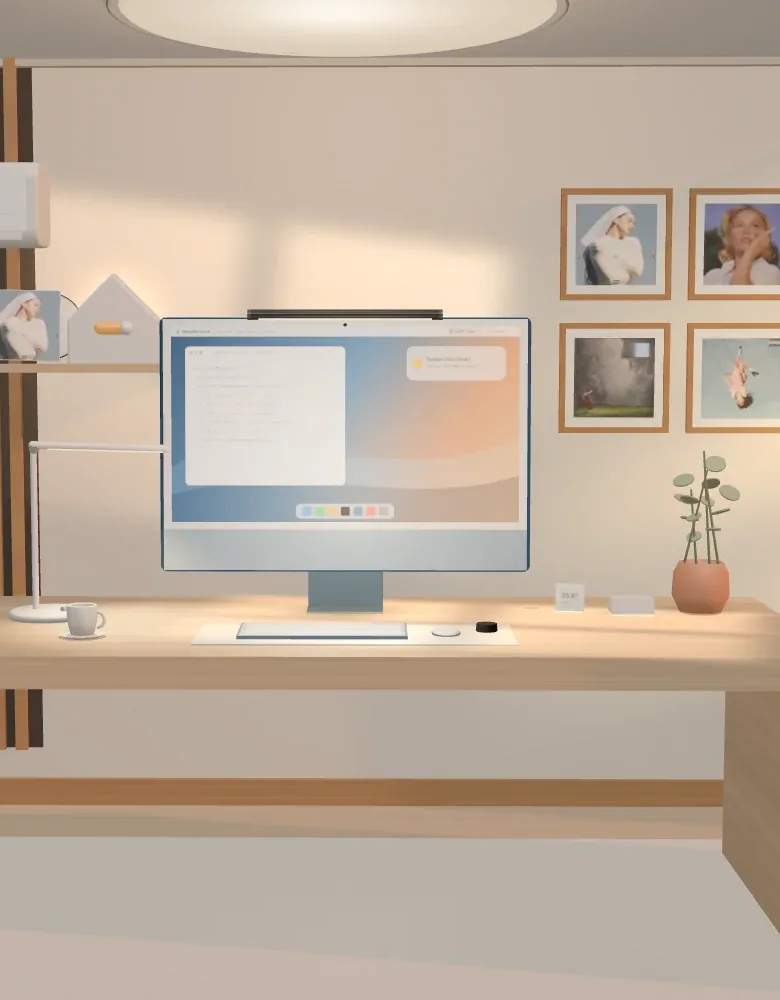
Click the Blue iMac to open macOS
Native desktop control built around your keyboard, LAN, and live cameras.
Stream Xiaomi cameras via local go2rtc with drag PTZ, dual-lens zoom, and 3:4 doorbell PiP.
Scan one QR across six Xiaomi regions or fuse Home Assistant over local UDP 54321.
Press ⌥M, type sftd to toggle Desk Lamp, and dim via ←/→ inside a non-activating NSPanel.
Hold ⌥M 0.5s for offline LocalIntentParser commands, with optional Apple Intelligence, Ollama, or DeepSeek.
React to displays, lid sleep, mic, camera, and meetings; a 32-frame stack restores prior lights.
A 0.6s hold dims lights while plugs, cameras, and valves stay protected, with 15s Undo.
Swift 6 (112–113 MB RAM, 0 deps) and Tauri v2 with Keychain storage, Raycast, and read-only MCP.
Open, search by pinyin, dim lights, and run moods from the keyboard.
MIT open source for macOS 14+ and Windows 11, with offline Demo Mode on first launch.
brew tap jryang2026-code/tap
brew trust --cask jryang2026-code/tap/menubarhome
brew install --cask jryang2026-code/tap/menubarhomeLocally signed without paid Apple notarization. Allow first launch in System Settings → Privacy & Security → Open Anyway (or xattr -dr com.apple.quarantine /Applications/MenuBarHome.app); updates verify offline Ed25519.
Built in the open, light up a star.
MenuBarHome is free and MIT-licensed with zero telemetry. A GitHub star helps more desktop users find it.